To update your student's Typing Club, the primary teacher must sync their classes with Clever. This is required once each new school year.
Access Typing Club via Clever - Click on "Classes"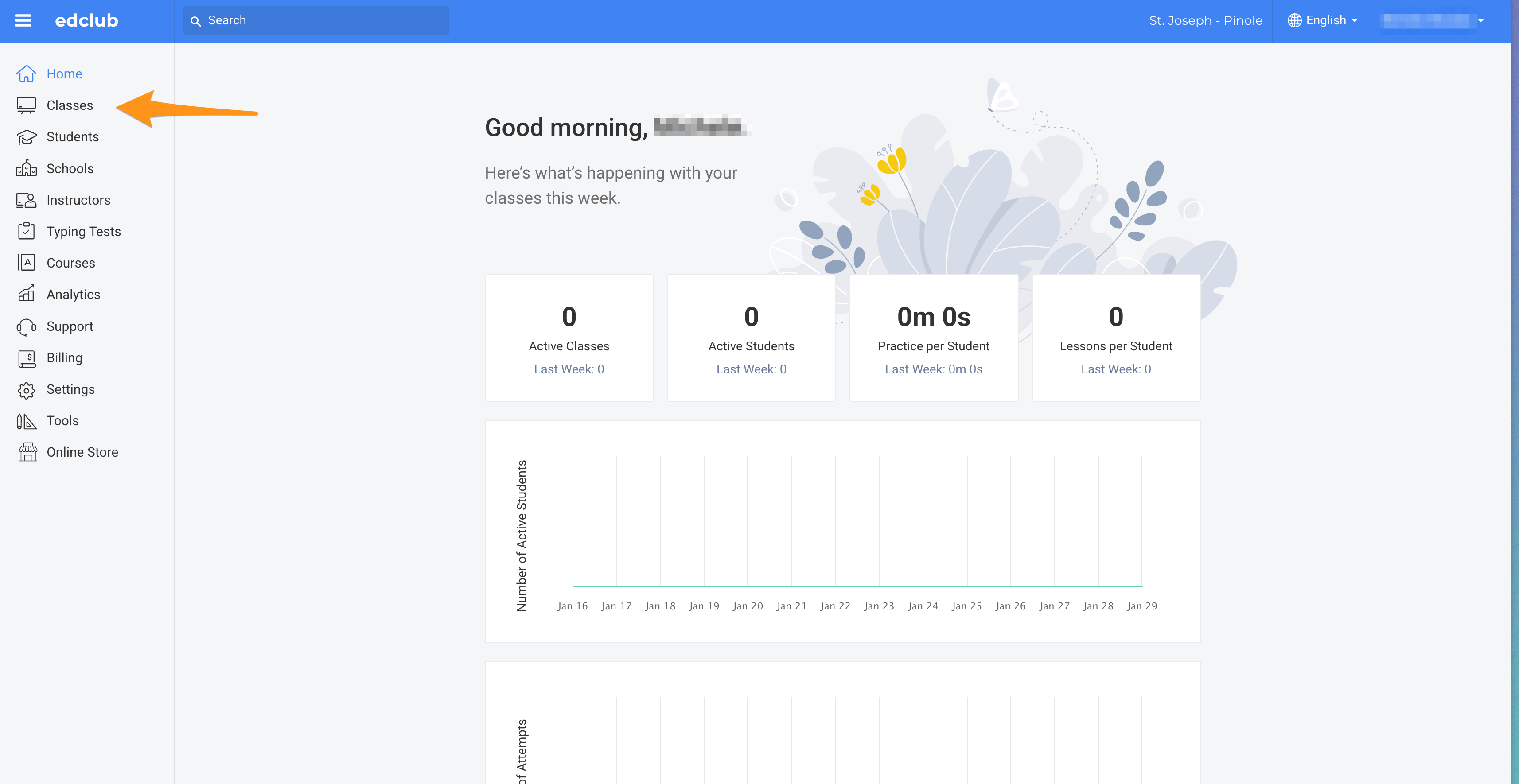
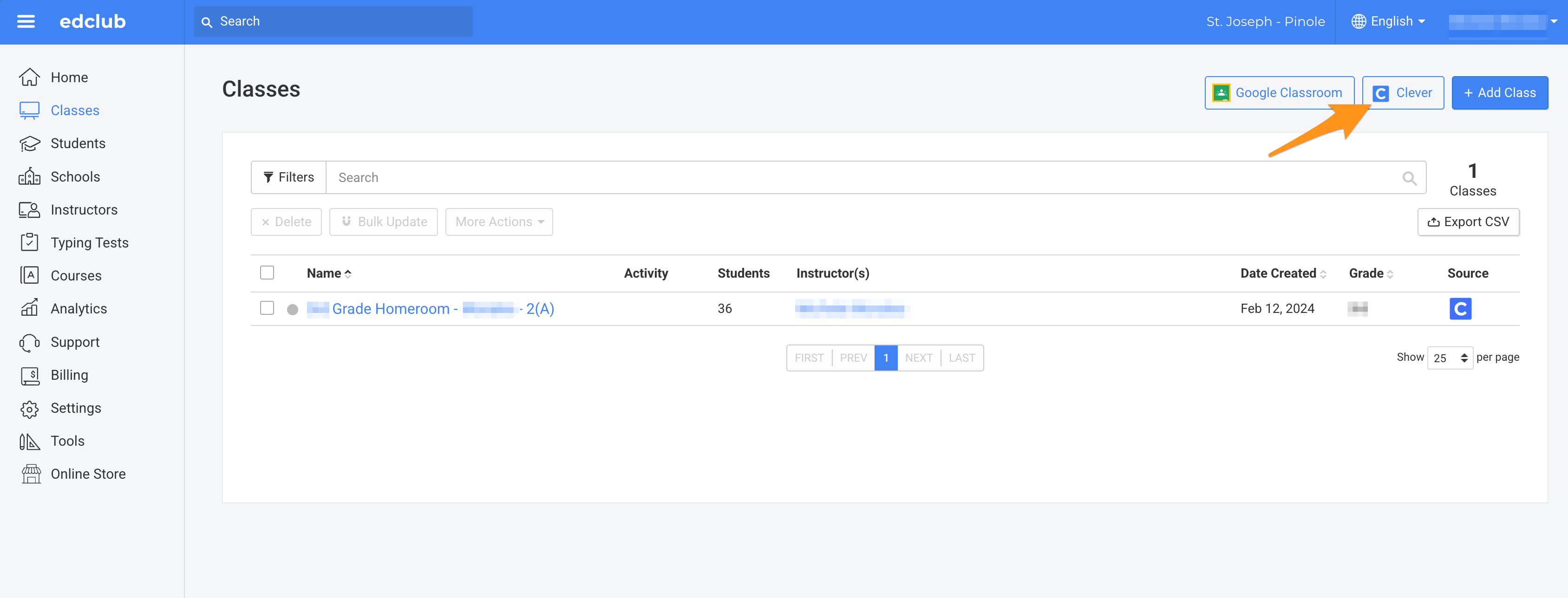
Once in the "Classes" page, click on the "Clever" button
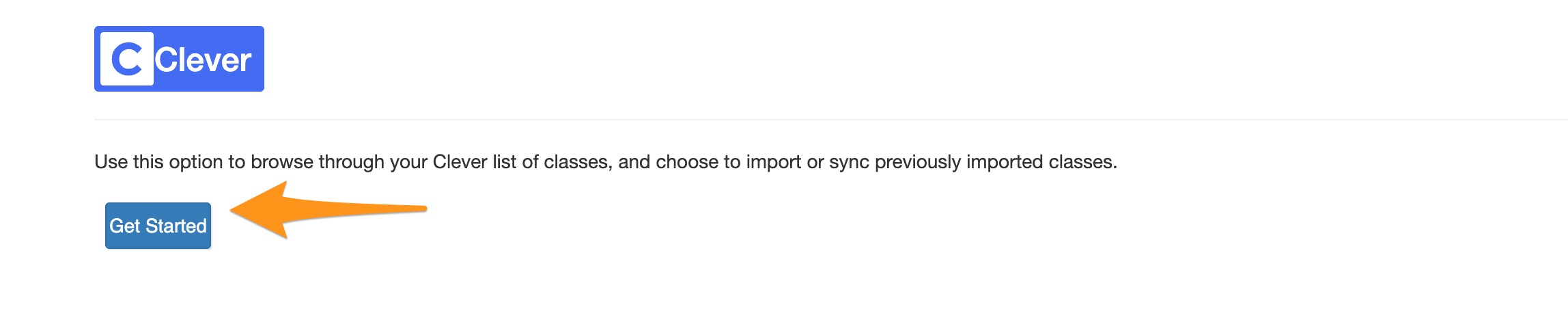
If the following page appears click on "Get Started"
Once in your Clever Portal, ONLY select your current "Homeroom" class. If you sync all classess it will create duplicate sections
Was this article helpful?
That’s Great!
Thank you for your feedback
Sorry! We couldn't be helpful
Thank you for your feedback
Feedback sent
We appreciate your effort and will try to fix the article